Validation and Code Generation
What You Will Do
In this chapter you check No validation issues. on the VALIDATION panel, generate the code of the ECU from the values you entered by hand, and look at what came out.
Before You Begin
- Start after finishing Communication Configuration.
- Every module is saved: the tab
VehicleDesign:Configurationcarries no modified mark.
| Where | Item | Value |
|---|---|---|
| PRTE Code Generation window | TARGET ECU | ECU |
Validating
-
Click the V icon in the footer to open the VALIDATION panel. It shows
No validation issues.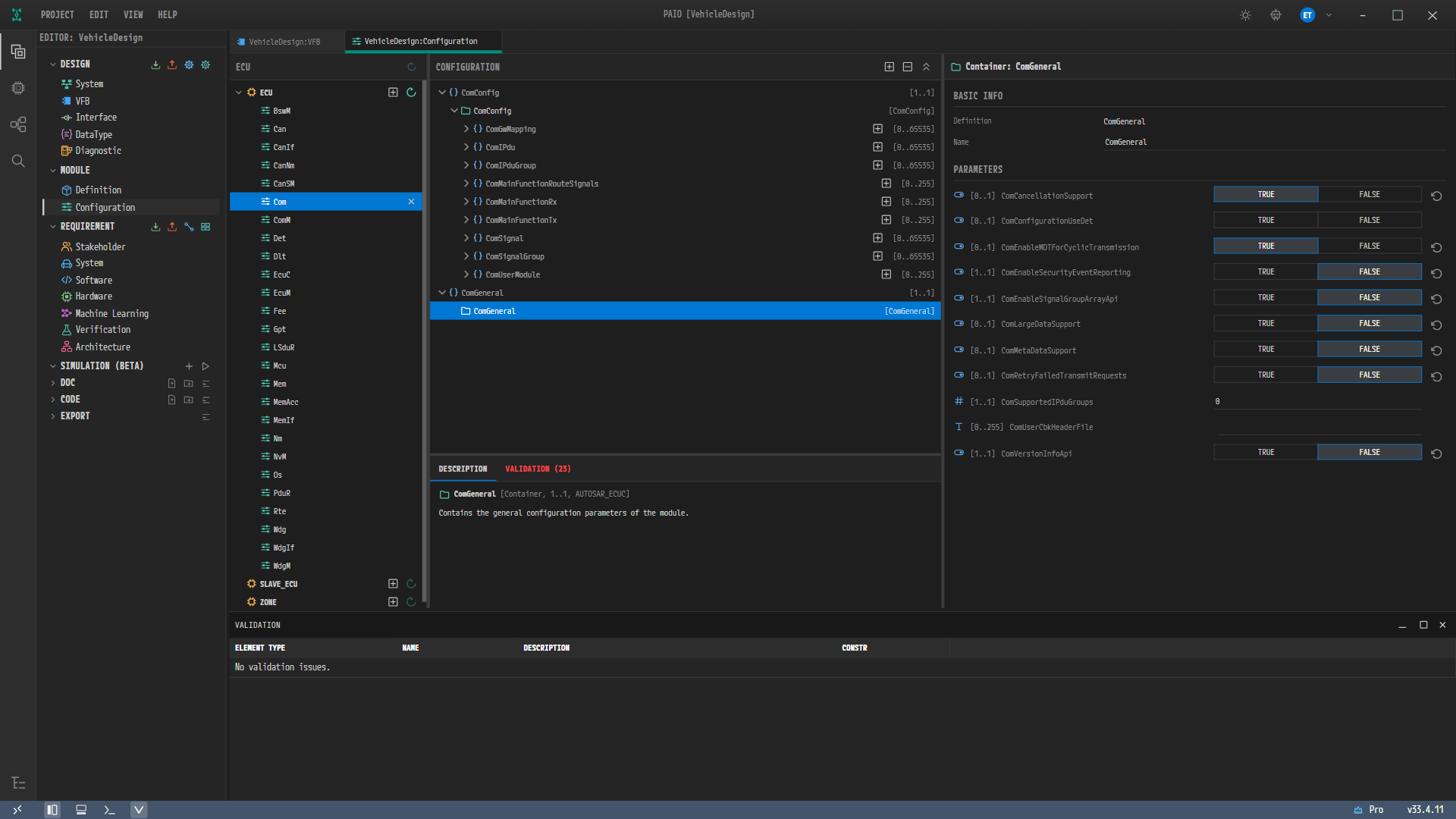
Figure 10-1.
No validation issues.The VALIDATION tab inside the ECU Configuration editor still shows a count: it lists items such as optional values left empty and does not decide whether the code can be generated.
Generating the Code
-
Close the panel. On the DESIGN header, click the PRTE Code Generation icon.
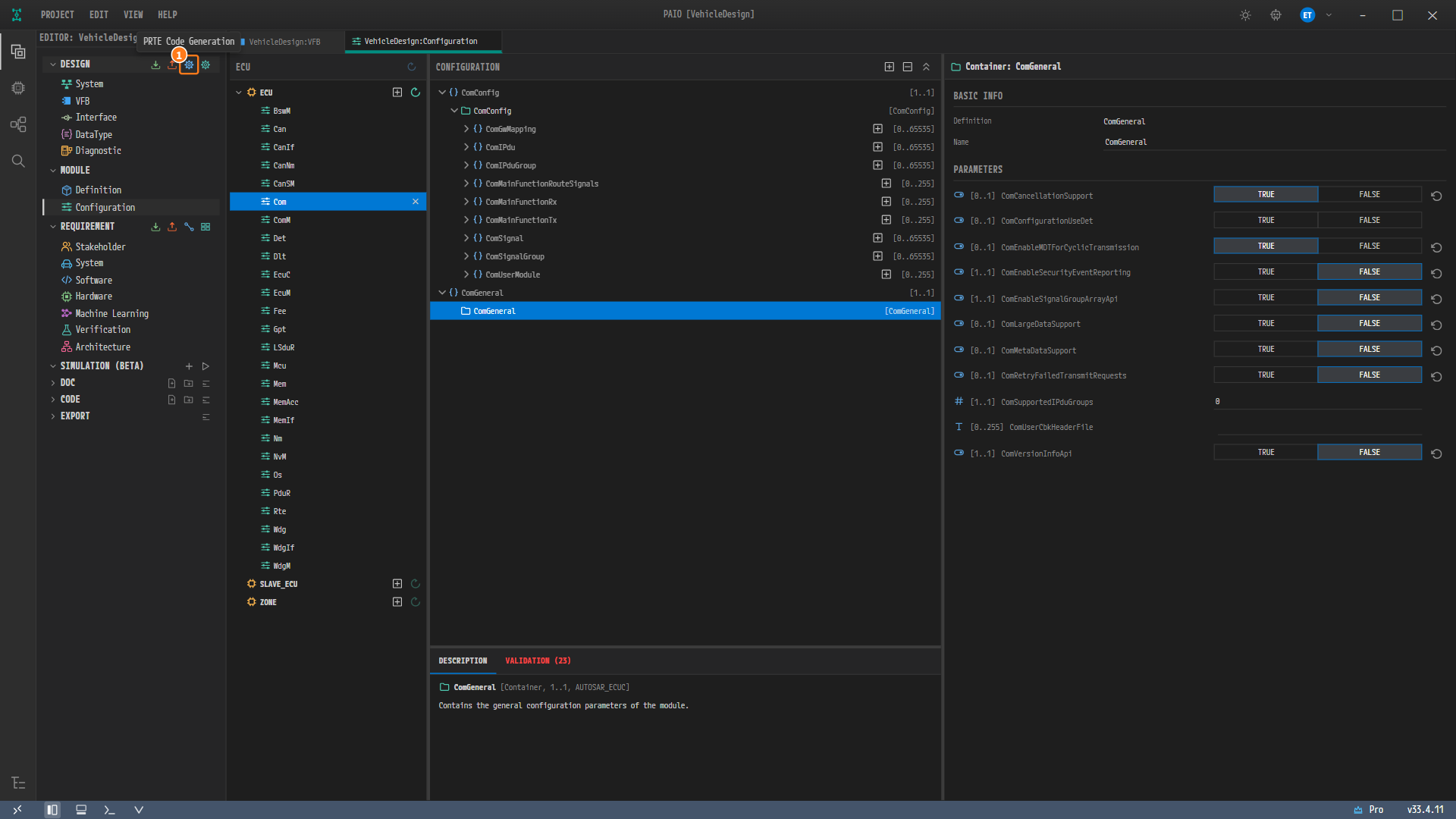
Figure 10-2. ① PRTE Code Generation.
-
Check that TARGET ECU reads
ECUand click Generate.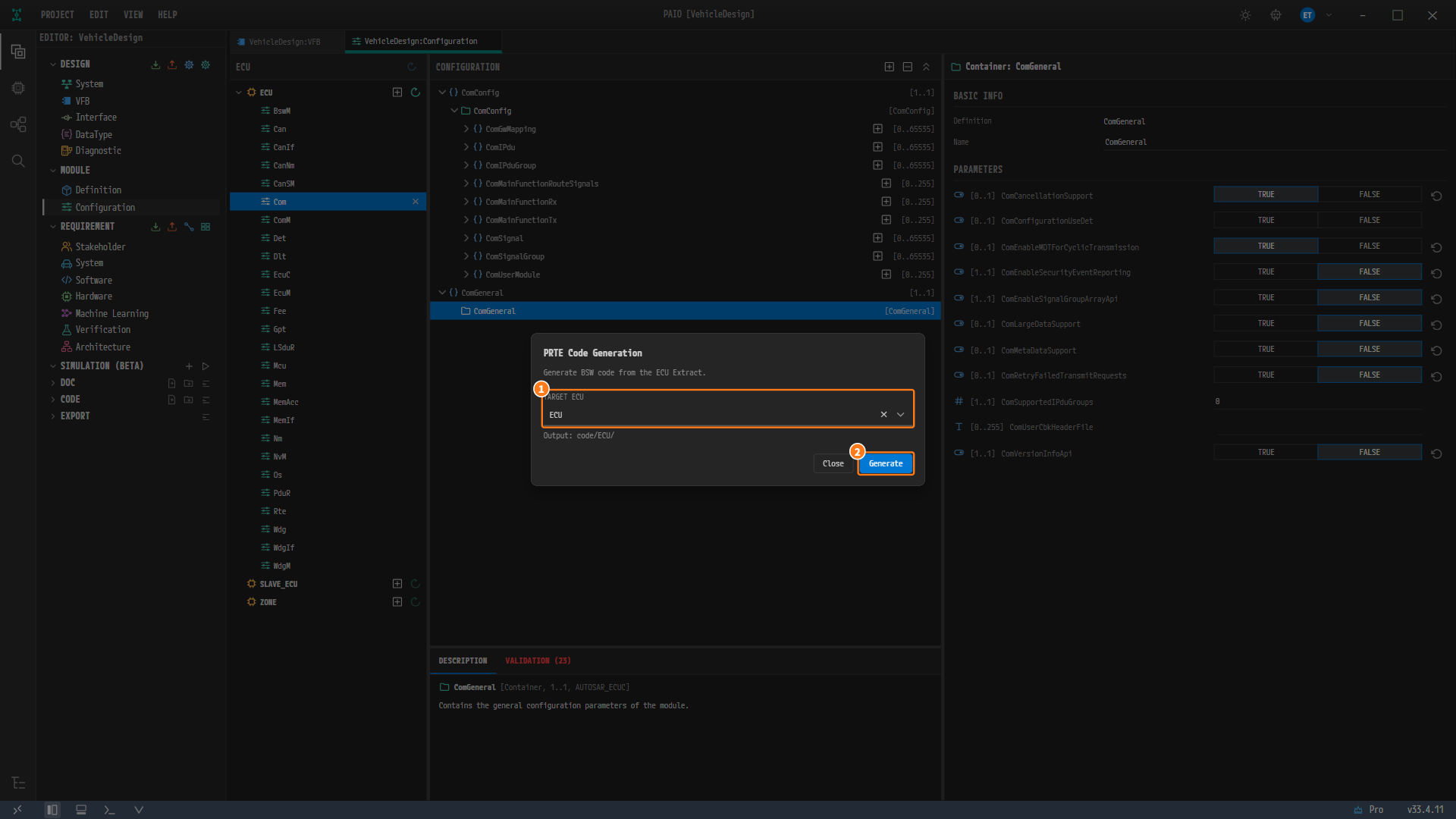
Figure 10-3. ① TARGET ECU, ② Generate.
-
When it ends, the window reads
COMPLETEand99 file(s) generated under code/ECU/, with fourINFOrows and no warning or error. TheMODULE_SETrow lists the 15 generated modules:Mcu,EcuM,BswM,Rte,Os,Can,CanIf,PduR,Com,ComM,CanSM,CanNm,Nm,LSduR,Det. Click Close.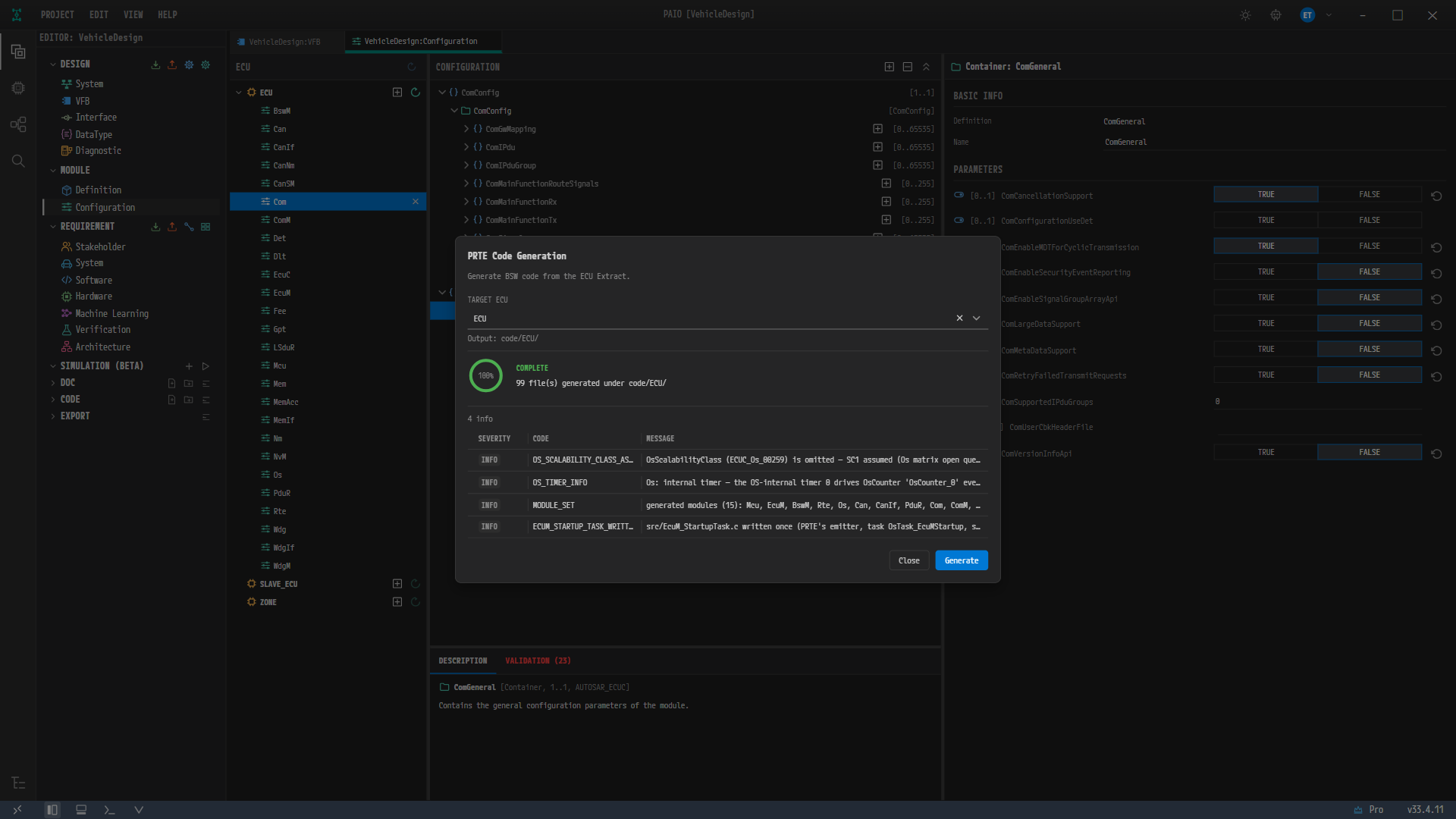
Figure 10-4. The result of the generation.
Looking at the Result
- Open CODE in the EDITOR view, then
ECU.
The folder code/ECU/ holds:
| Path | Content | Who owns it |
|---|---|---|
gen/ | The generated RTE and BSW configuration | The generator, which rewrites it on each run |
src/ | SwcSensor.c, SwcActuator.c and the EcuM start-up files EcuM_StartupTask.c and EcuM_Callout_Stubs.c | You. These files are created once and never overwritten |
include/ | SwcSensor.h, SwcActuator.h | You |
CMakeLists.txt | The build description | You. It is created once |
Note. This window may show a PROBLEMS count and red marks in the code. The SDK headers such as
Rte.hare in the PRTE vECU container, not on your computer, so a window on your computer reports them as not found, and code that uses their types is marked as well. Check any other kind of mark on its own. This tutorial judges the design by the VALIDATION panel and by code generation. Judging the code itself, by building it, belongs to the vECU.
Why Is It Designed This Way?
- Every BSW value is yours. No automatic configuration ran: each value in the generated BSW code is one you entered in chapters 6 to 9 or the default value a container got with "+". The only exception is what the Rte values file of chapter 6 brought: the six
Rtereferences and the SW-C type and instance pairs. - The start-up task. The
ECUM_STARTUP_TASK_WRITTENrow sayssrc/EcuM_StartupTask.cwas written for the taskOsTask_EcuMStartup, which is why that task name must be exact. - The tutorial stops here. A design that validates and generates is the goal. Writing the runnable bodies and building in the vECU come next, and are your own project's work.
Checklist
- The VALIDATION panel shows
No validation issues. - The PRTE Code Generation window read
COMPLETEand99 file(s) generated under code/ECU/. - The
MODULE_SETrow listed 15 modules, and no row was a warning or an error. - CODE lists
ECUwithgen,include,srcandCMakeLists.txt.
Next Step
The Appendix collects every value of this design and common problems.
The AUTOSAR AP Tutorial continues with this project: it puts adaptive applications on the node HPC. To start the next part from a finished copy of this tutorial instead, download VehicleDesign-cp.zip.