Data Type
What You Will Do
In this chapter you create the data type SpeedType, an alias of uint16. Both interfaces in the next chapter use it.
Before You Begin
- Start after finishing Composition and ECU Mapping.
| Where | Item | Value |
|---|---|---|
| DataType editor | NAME | SpeedType |
| DataType editor | CATEGORY | ALIAS |
| DataType editor | BASETYPE | uint16 |
Creating SpeedType
-
Click DataType under DESIGN. The list holds the primitive types. Click + above the list.
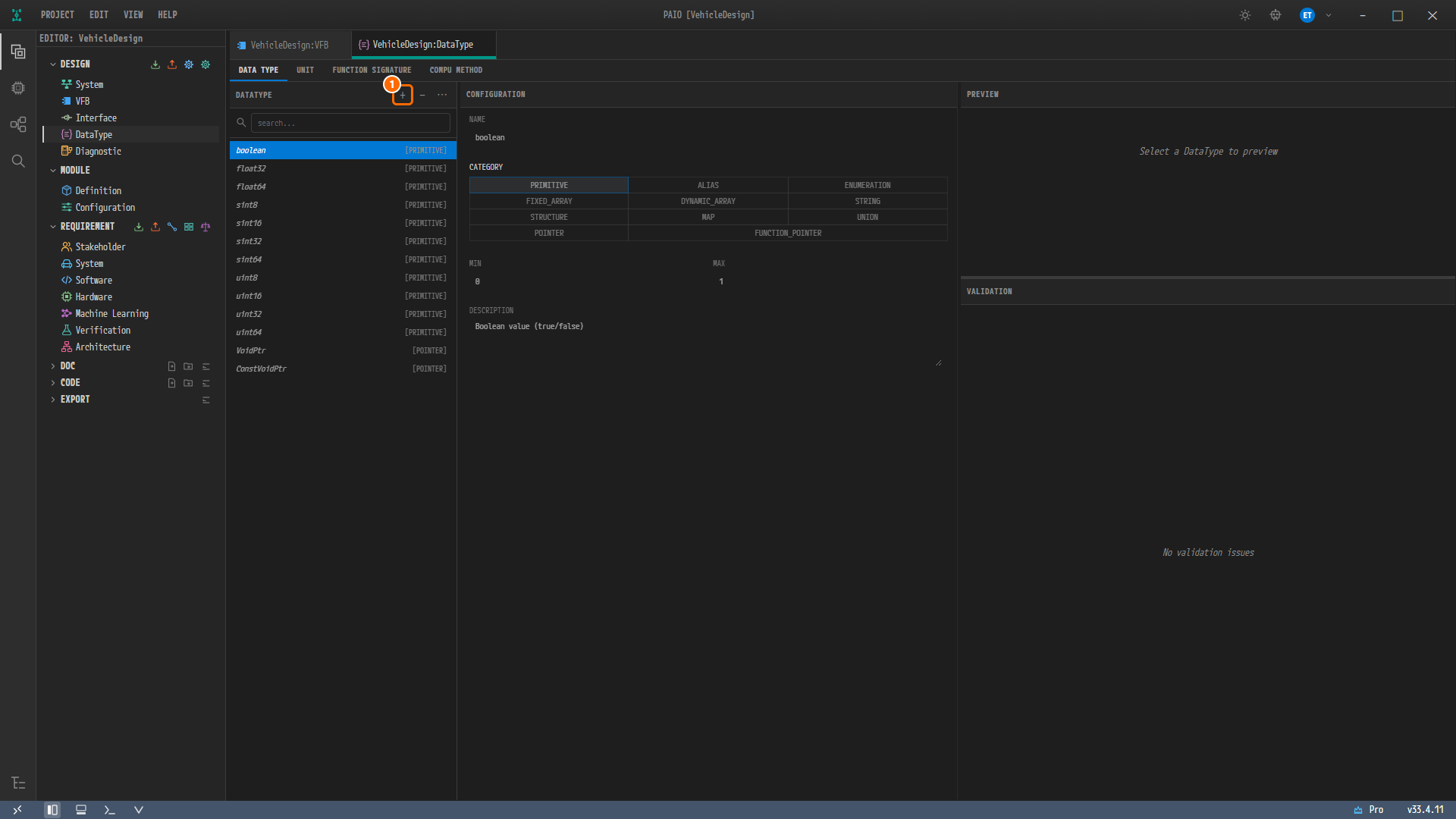
Figure 2-1. ① + (Add DataType).
-
Enter
SpeedTypein NAME and pressTab, then click ALIAS under CATEGORY. Open BASETYPE, typeuint16, and clickuint16in the list.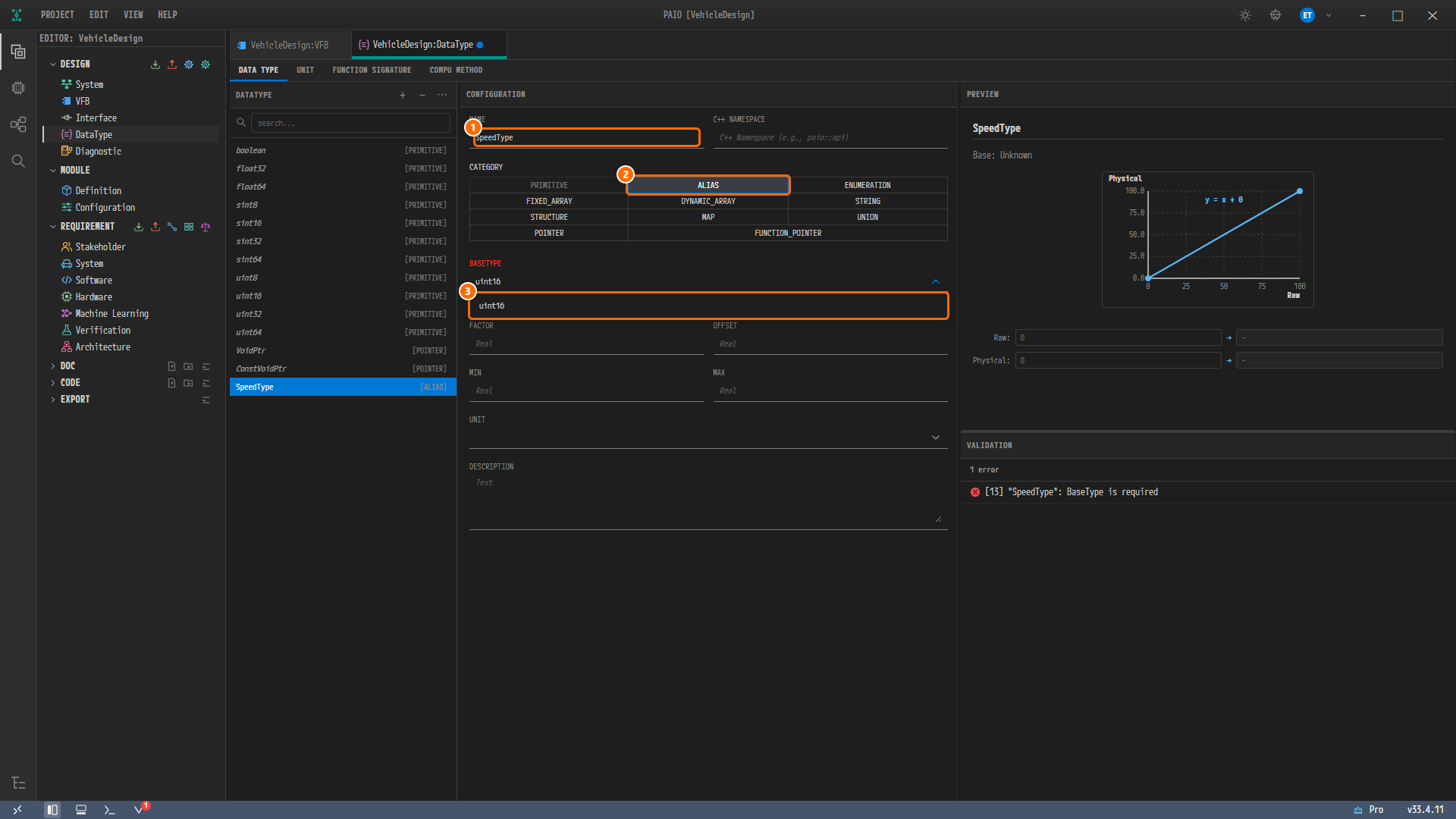
Figure 2-2. ① NAME, ② ALIAS, ③
uint16in the BASETYPE list. -
Save with
Ctrl+S.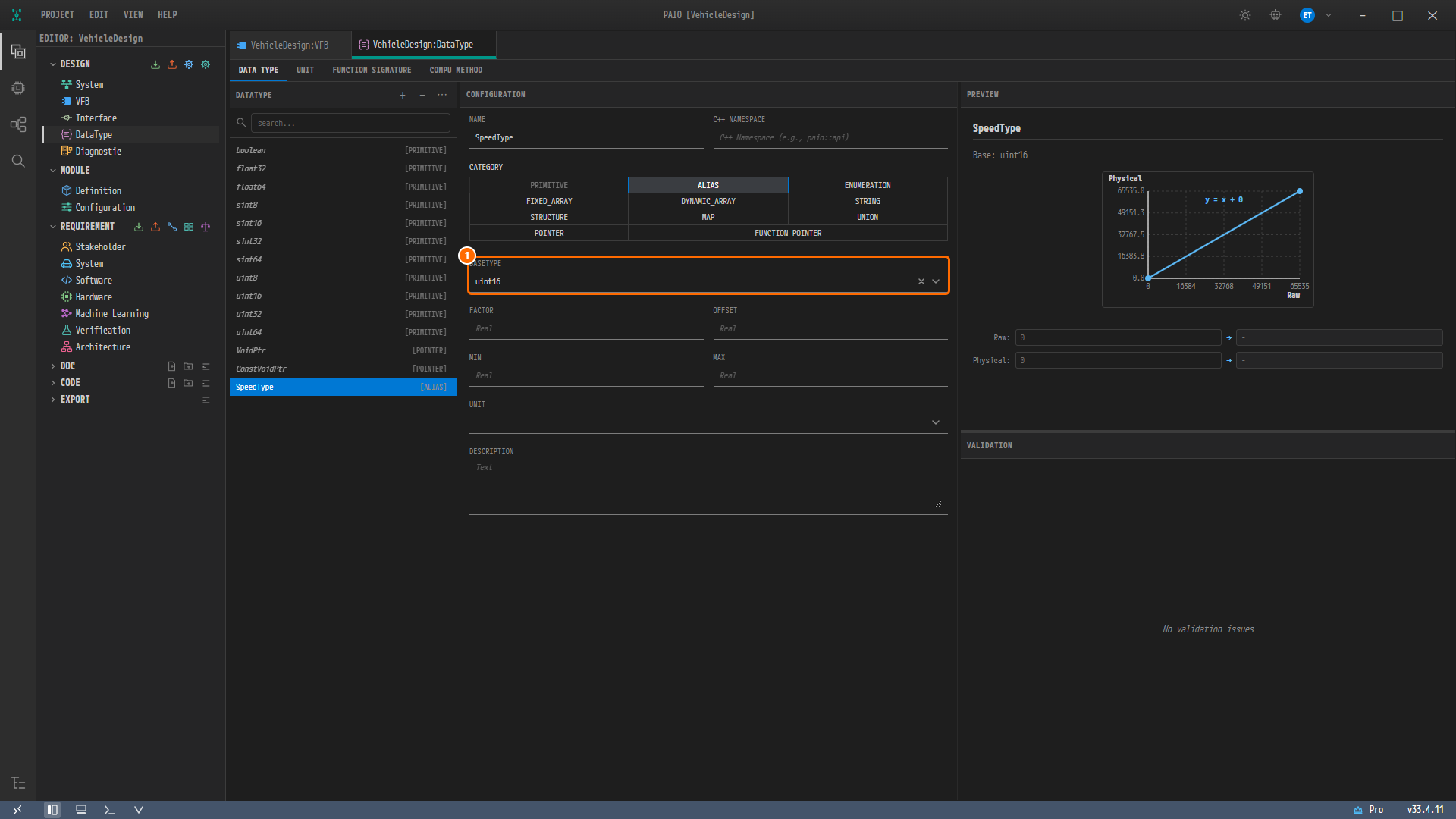
Figure 2-3. ① BASETYPE =
uint16.
Why Is It Designed This Way?
- An alias of
uint16. A named type says what the value means, and every use of it changes together if the base type ever does.
Checklist
- The list holds
SpeedType, and selecting it shows ALIAS and BASETYPEuint16. - The tab
VehicleDesign:DataTypecarries no modified mark.
Next Step
In Interfaces you create the two interfaces that use SpeedType.